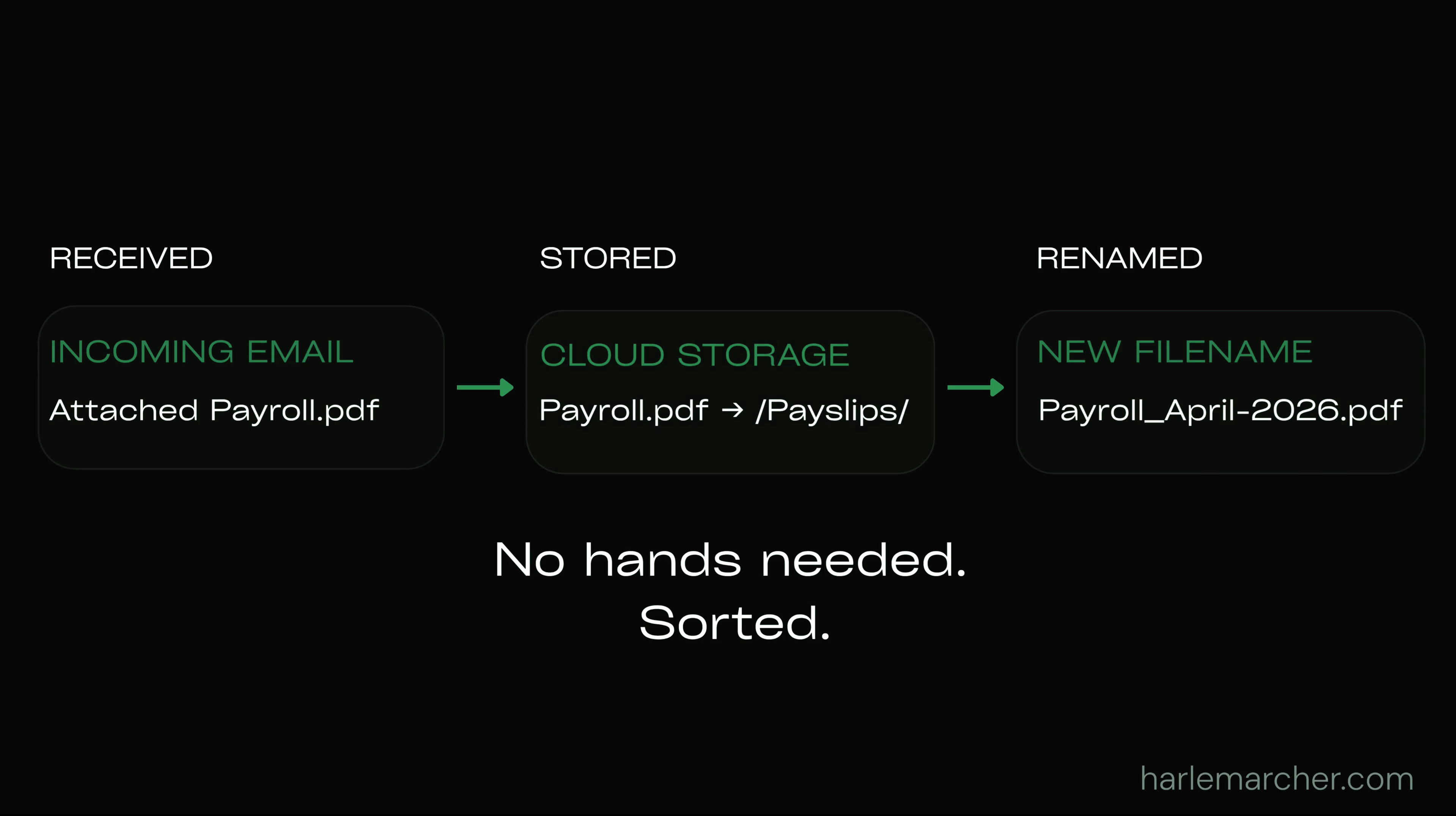
Email attachment automation helps businesses automatically process incoming files without manually downloading, renaming or saving documents. This workflow monitors incoming Outlook emails, renames attachments using your own naming rules and stores them in the correct OneDrive, SharePoint or network folder. It reduces repetitive admin, improves document organisation and keeps files stored consistently across the business. The solution is built around your existing Microsoft 365 environment and can be adapted to match your own folder structure, email process and operational requirements.
Stop Saving Email Attachments Manually
Published · 1 July 2026
Want to automate this in your business?
Book a Call →